Wheel Picker
Help you to make a random decision
Wheel Picker
Help you to make a random decision
Color sets
Wheel of Colors - Spin to Pick a Random Color
The wheel of colors picks a random color for you in one spin. It comes with 16 colors, from Red, Orange and Yellow to Teal, Indigo and Deep purple, and every slice is painted in the color it names. You can add, remove or rename colors in the entries list next to the wheel.
Press spin, watch the wheel slow down and the winning color shows up in a popup. Every result is also saved in the Results tab, so you can see which colors came up during a game.
Ways to use the color wheel
Games and challenges
Spin for a color, then everyone has a few seconds to touch, find or name something in that color.
Art and drawing prompts
Let the wheel choose the main color of your next sketch, painting or design so you stop overthinking the palette.
Classrooms
Young learners practice color names out loud, and the class can group or call on students by the color that comes up.
Outfits and themes
Pick a color for a dress-up day, a party theme or the outfit you can't decide on.
How to change the colors
- Edit the list in the Entries tab, one color per line.
- Turn on Advanced if you want each slice painted in its own color.
- Open Settings to change the spin time, sounds and what happens after a spin.
- Use Share to send your color wheel to someone else, or Clone to keep editing it on the main wheel picker.
Is the color wheel fair?
Yes. The spin animation is only visual: where the wheel stops is decided by your browser's secure random generator before it starts slowing down. You can run thousands of test spins yourself on the randomness audit page and check that every slice wins about as often as the others.
Want a plain yes or no instead of a color? Try the Yes or No Wheel.
Wheel of colors FAQs
Can I add more colors to the wheel?
Why is each slice the color it names?
Is every color equally likely?
Can I stop the same color from coming up twice?
More wheels to try
Ready-made wheels you can spin right away and change anytime.
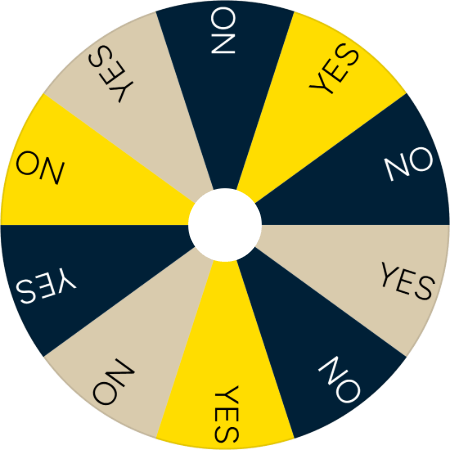
Yes or No Wheel
Spin for a quick yes or no answer.
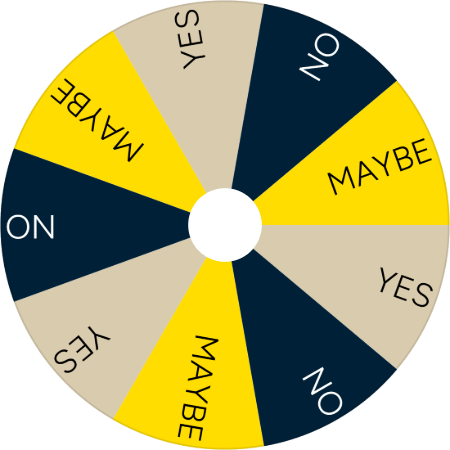
Yes No Maybe Wheel
Get a yes, no or maybe answer when a plain yes or no won't do.
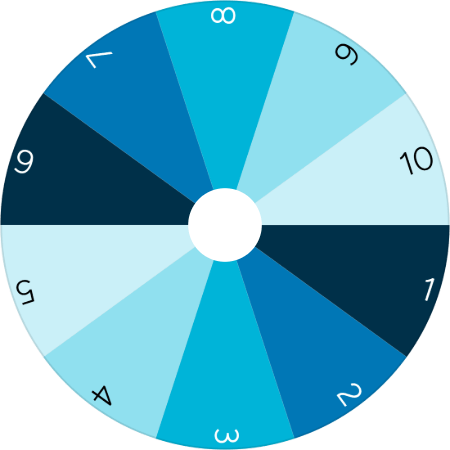
Random Number Generator
Pick a random number from 1 to 10 for raffles, games or class.